-
E-mail
15801988201@163.com
-
Phone
15801988201 18721757701
-
Address
203, Building 12, Lane 205, Gaoji Road, Sijing Town, Songjiang District, Shanghai
Product Categories
Shanghai Yiqing Electric Co., Ltd

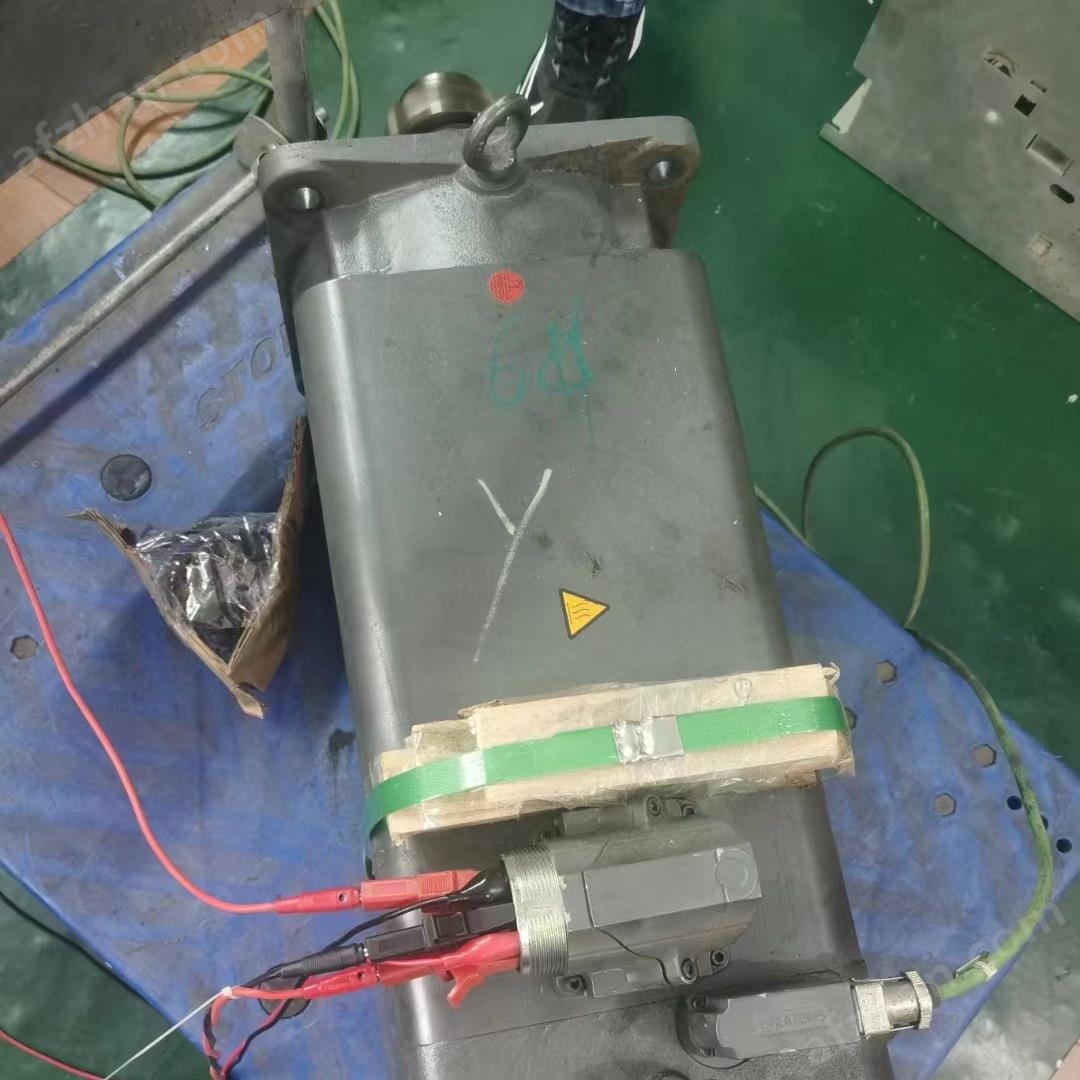
6SE7451-3AL00-0AE0 communication failure repair
NegotiableUpdate on 01/08
- Model
- Nature of the Manufacturer
- Producers
- Product Category
- Place of Origin
Overview
Types of repairable faults include CPU power failure, BF light on, SF light on, lack of communication, lack of synchronization, inability to be redundant, all lights on, all lights flashing, etc. Analog module SF light alarm, poor bus fault, 2-wire 4-wire input fault, voltage, current, temperature input fault, input/output value deviation, overflow, no output point output, output light off, no input, input light off, lights on continuously, bus alarm, system not running
Product Details
6SE7451-3AL00-0AE0 communication failure repairSiemens 6SE7451-3AL00-0AE0The repair steps for no display faults are as follows:
Check the power supply voltageFirstly, use a multimeter to measure whether the power supply voltage is normal. The normal operating voltage range of the frequency converter should be within ± 10% of the rated voltage. If the power supply voltage is abnormal, it needs to be adjusted to the normal range1.
Check the control boardIf the power supply voltage is normal, check the control board next. Check if the indicator lights on the control board are lit up normally. If the indicator lights are not lit or flashing, it may be a fault with the control board. You can try restarting the frequency converter. If the problem persists, the control board may need to be replaced1.
Check the communication lineIf the control board indicator light is normal, further check the communication circuit. Ensure that all connecting cables are not loose or damaged, and that the communication interface is functioning properly. If there is a problem with the communication line, it needs to be repaired or replaced1.
Check the display moduleIf both the control board and communication lines are normal, but there is still no display, it may be a display module malfunction. You can try unplugging the connection cable of the display module or replacing the display module for testing1.
Check for other possible faultsIf none of the above steps can solve the problem, further inspection may be needed to identify other possible fault points, such as internal burnout, smoking, non illumination of lights, inability to turn on, BATTF light on, BAF light on, INTF light on, DC5V light off, DC24V light off, inability to operate and repair functional modules and communication modules, and a series of Siemens automation product repairs. 6ES7 312-1AD10-0AB06ES7 312-1AE13-0AB06ES7 312-1AE14-0AB06ES7 312-5AC02-0AB06ES7 312-5BF04-0AB06ES7 312-5BD01-0AB06ES7 312-5BE03-0AB06ES7 313-5BE01-0AB06ES7 313-5BF03-0AB06ES7 313-6BF03-0AB06ES7 313-5BG04-0AB06ES7 313-6CG04-0AB06ES7 313-6CE01-0AB06ES7 313-6CE00-0AB06ES7 313-6CF03-0AB06ES7 314-1AF10-0AB06ES7 314-1AF11-0AB0 Blocks, etc. A multimeter can be used to measure the voltage and resistance of key points, compare them with normal values, identify abnormal points, and repair them1.
Preventive measures and maintenance recommendations:
regular inspectionRegularly check whether all components of the frequency converter are working properly, especially the power supply and control board, to ensure that they are in good condition.
Environmental ManagementEnsure that the working environment temperature, humidity, and other parameters of the frequency converter are within a reasonable range to avoid malfunctions caused by environmental factors.
correct operationOperators should receive professional training to ensure the correct use and maintenance of frequency converters in accordance with operating procedures, and to avoid damage caused by improper operation. Types of repairable faults include CPU power failure, BF light on, SF light on, lack of communication, lack of synchronization, inability to be redundant, all lights on, all lights flashing, etc. Analog module SF light alarm, poor bus fault, 2-wire 4-wire input fault, voltage, current, temperature input fault, input/output value deviation, overflow, no output point output, output light off, no input, input light off, lights on continuously, bus alarm, system not running
6SE7451-3AL00-0AE0 communication failure repair
Similar Product Recommend