-
E-mail
15715691047@163.com
-
Phone
18326079359
-
Address
No. 1833, Building D, 4299 Jindu Road, Minhang District, Shanghai
Product Categories
Shanghai Qianshi Precision Electromechanical Technology Co., Ltd

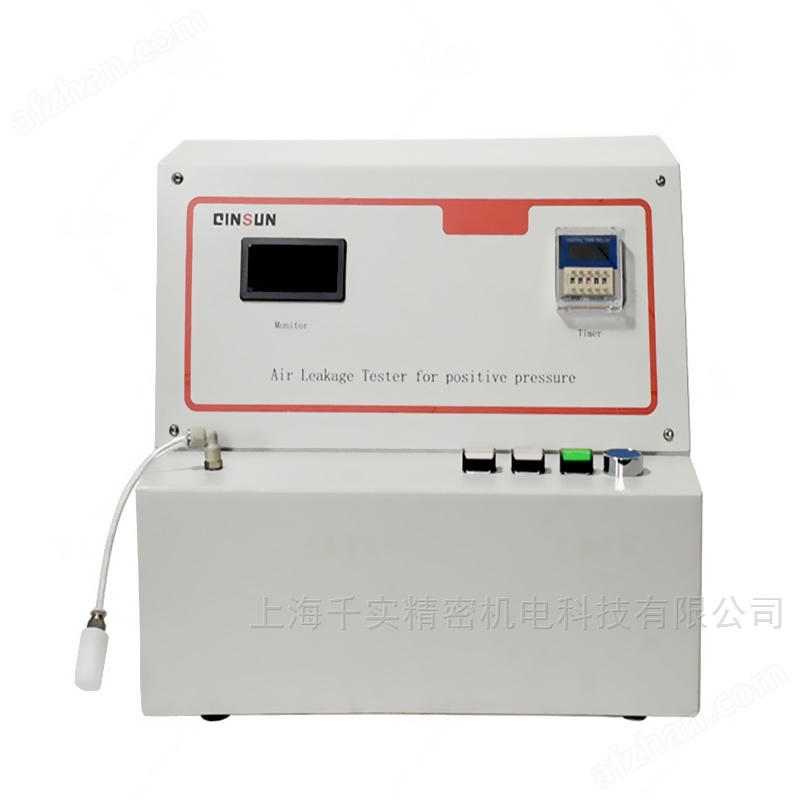

Leakage positive pressure tester/testing device for infusion set
NegotiableUpdate on 01/07
- Model
- Nature of the Manufacturer
- Producers
- Product Category
- Place of Origin
Overview
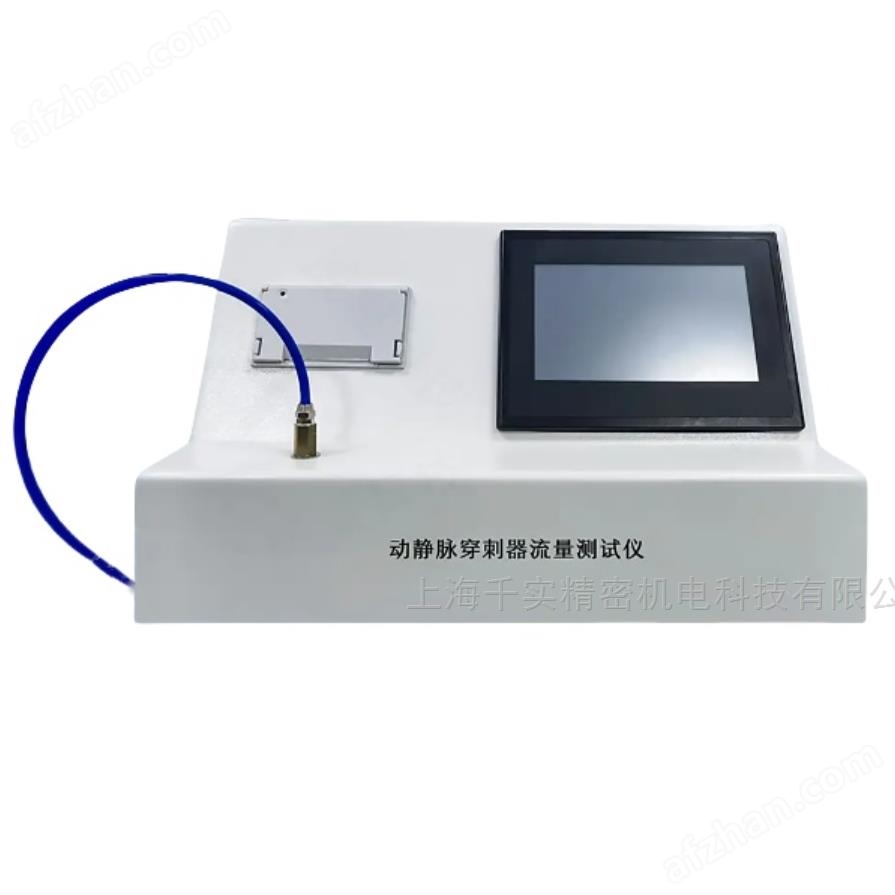
The leakage positive pressure tester/testing device for infusion sets is a professional equipment designed according to the relevant provisions of the national standards for medical devices, used to detect the leakage positive pressure of infusion sets. It consists of intelligent controller, force measuring mechanism, distance measuring mechanism, printer and other parts.
Product Details
Product Introduction:
Positive pressure output range: 120kPa~160kPa (adjustable), LED digital display, error not greater than ± 5%;
Positive pressure maintenance of the measurement system: Do not drop 1kPa within 3 minutes;
Test duration: 1S~60S (adjustable), LED digital display, error not greater than ± 1S
Infusion set leakage positive pressure tester/testing deviceIt is a professional equipment designed according to the relevant provisions of the national standards for medical devices, used to detect positive pressure leakage in infusion sets. It consists of intelligent controller, force measuring mechanism, distance measuring mechanism, printer and other parts. The intelligent controller consists of a CPU, motherboard, LCD screen, keyboard, power supply, and other components. The screen adopts a fully Chinese window display, and the keyboard controls the cursor for options, operations, and settings. No training is required, and users can follow the prompts to operate and use it.
Technical Specifications:
environment
Working temperature: 5-40 ℃
Relative humidity: 45-80%
Power supply voltage: 220V ± 22V
Grid frequency: 50HZ ± 1HZ
Equipment type: Class I, Type B
Display mode
Adopting a 320 × 240 single color LCD display screen with full Chinese window display.
Use a keyboard to control the menu on the LCD screen and the analog keyboard on the LCD screen.
Power consumption: 200VA
Pressure range: 0-69Kpa
Set time: 0-9999 seconds
Infusion set leakage positive pressure tester/testing deviceUsage:
Place the instrument horizontally on the test bench.
Install the tested vessel onto the drain joint.
Insert the power plug into the distribution board, and the ground wire of the power socket on the distribution board must be reliably grounded.
Operating instructions:
1. Turn on the power, turn on the power.
2. Click "Next" to enter the "Main Menu", which has four options: "Settings", "Testing", "Measurement", and "Bleeding";
3. After clicking "Settings", you can now set "Set Pressure", "Set Time", and "Date and Time". Simply enter the corresponding item and select the corresponding specification parameters for the tested vessel to confirm.
After clicking on "Set Pressure", click on the corresponding number for the pressure to be tested, and then click "Confirm". (Unit: Kpa). After confirming, return to the set parameters. )
5. After clicking on "Set Time", click on the corresponding number for the desired testing duration and click "Confirm". (Unit: seconds. After confirming, return to the set parameters.)
After clicking on "Date&Time". After clicking on "Date", enter the date of the test day to confirm (format: year/month/day, the change of time is similar to the change of date. After "Confirm", return to the main menu.)
7. After clicking "Measure", first connect the standard gas source, and then measure whether the internal data is standard. (Under normal circumstances, this step is not necessary. This option is used for metrological certification.)
8. Click "deflate" to reset the internal test data pressure value to zero.
9. When the displayed content in the "main menu" matches the parameters of the tested vessel, click "test". After the test is completed, the test results will be displayed. Visually check whether the set values and test values are qualified. Click "qualified" or "unqualified" and then "print". 'Return' returns to the main menu.